

marzika
Форумчанин
- Сообщения
- 1
- Реакции
- 0
As you might know SmartDent by Ray offers a barely documented feature called WebService which allows you to view your X-Ray images from a website without using their Windows app.
To get it working it requires you to send your Machine Serial ID to their support to receive a license file... IF your representative is able to get you one.
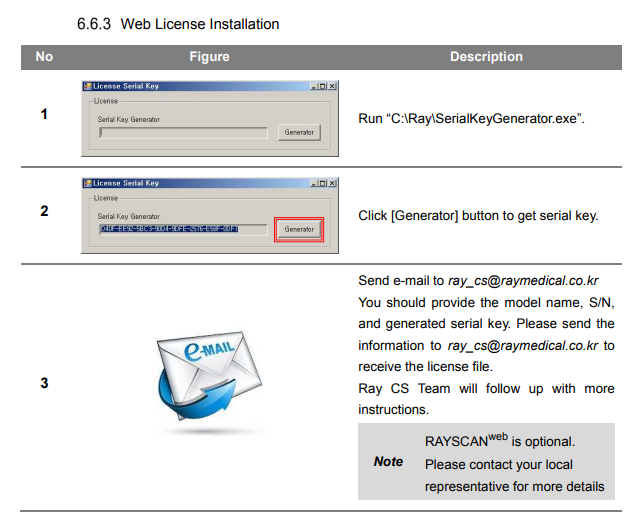
Static analysing SQLManager.dll it has a method called GetSerialKey() which generates your unique ID.
Following where it's used leads us to LicenseManager.GetApprovalStatus(), which does the license check:
Inspecting this class your eyes might catch some things that are useful for us:
1) LicenseManager.DecryptString(text, key)
2) LicenseManager.EncryptString(text, key)
3) DECRYPT_KEY =
4) LICENES_FILE_PATH (yes, that's not my typo) = "C:\\Ray\\WebService\\license.lic";
3) The layout of the expected license file once decrypted.
It seems like we have all the necessary information to generate our own license file. You could either rewrite the encryption routine in your preferred language or since SQLManager.dll is a .NET file, you could directly reference it in your code, I went for the second.
Great, we have our current license file, but the WebService is not reachable on the default port that's mentioned in the Manual? (localhost:9091)
Turns out the RayServer has it's own license check which checks the installed PostgresSQL's public.license table. You can access it on the default port of 5432 with the username postgres password
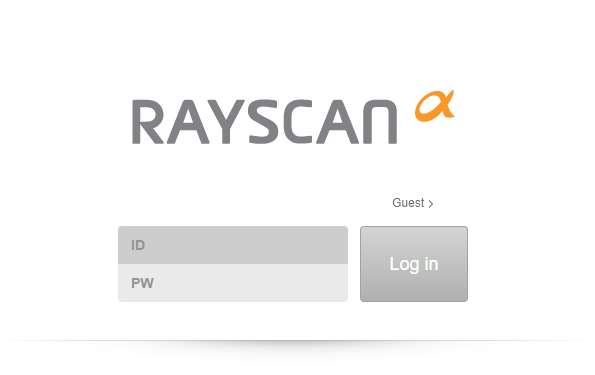
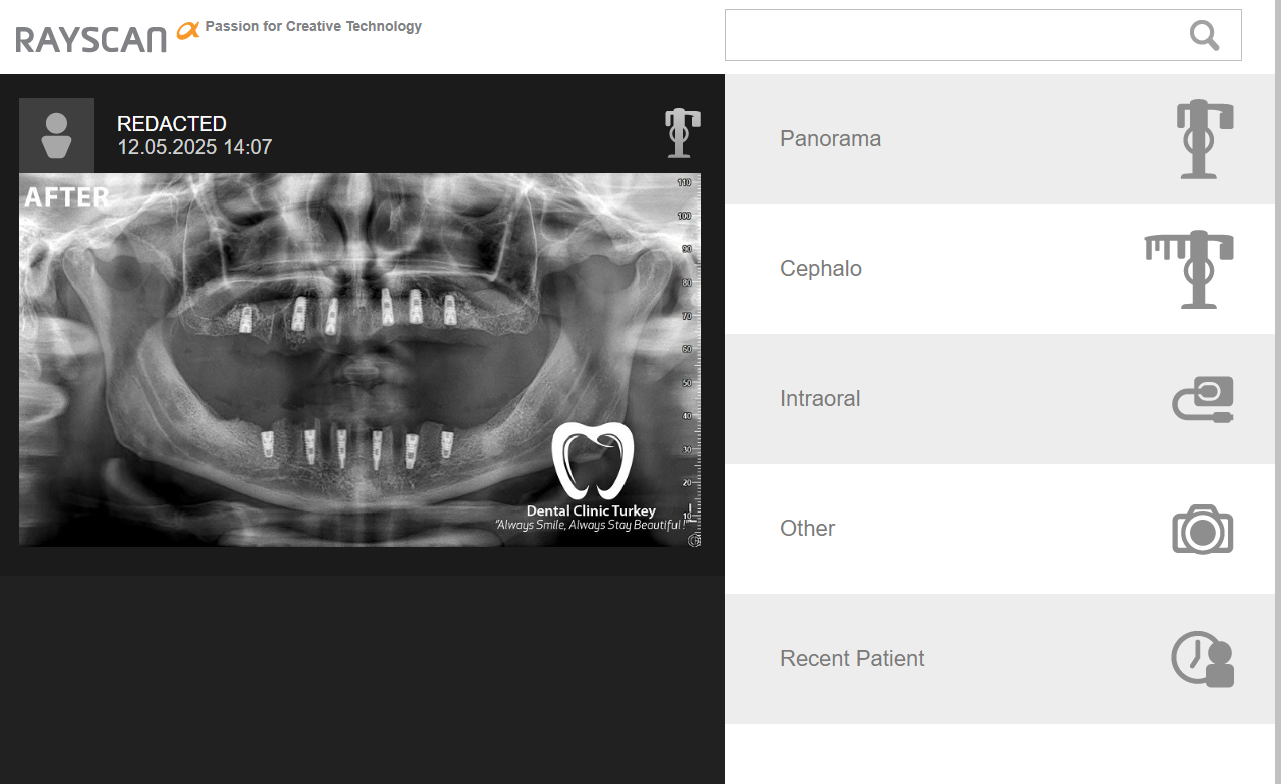
Restarting the service from the IIS Manager results in us having access the the web UI, the default login is admin - admin.

Thanks for reading
To get it working it requires you to send your Machine Serial ID to their support to receive a license file... IF your representative is able to get you one.
Static analysing SQLManager.dll it has a method called GetSerialKey() which generates your unique ID.
Для просмотра скрытого содержимого необходимо Войти или Зарегистрироваться.
Following where it's used leads us to LicenseManager.GetApprovalStatus(), which does the license check:
Для просмотра скрытого содержимого необходимо Войти или Зарегистрироваться.
Inspecting this class your eyes might catch some things that are useful for us:
1) LicenseManager.DecryptString(text, key)
2) LicenseManager.EncryptString(text, key)
3) DECRYPT_KEY =
Для просмотра скрытого содержимого необходимо Войти или Зарегистрироваться.
4) LICENES_FILE_PATH (yes, that's not my typo) = "C:\\Ray\\WebService\\license.lic";
3) The layout of the expected license file once decrypted.
It seems like we have all the necessary information to generate our own license file. You could either rewrite the encryption routine in your preferred language or since SQLManager.dll is a .NET file, you could directly reference it in your code, I went for the second.
Для просмотра скрытого содержимого необходимо Войти или Зарегистрироваться.
Great, we have our current license file, but the WebService is not reachable on the default port that's mentioned in the Manual? (localhost:9091)
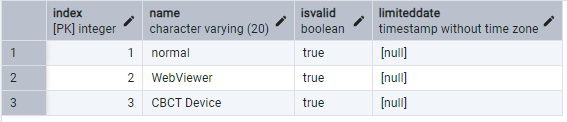
Turns out the RayServer has it's own license check which checks the installed PostgresSQL's public.license table. You can access it on the default port of 5432 with the username postgres password
Для просмотра скрытого содержимого необходимо Войти или Зарегистрироваться.
Change the values accordingly.
Restarting the service from the IIS Manager results in us having access the the web UI, the default login is admin - admin.
Thanks for reading

